360 Virtual Tour Services in Singapore
360 Virtual Tour Company in Singapore
Based in Singapore, I create 360 virtual tours for hotels, event venues, campuses, showrooms, exhibitions and commercial interiors. My work combines high-quality 360 photography with clear navigation, hospitality-level image retouching and custom interface design so viewers can understand a space before they visit.
I am also the director of Visual Narrative Pte Ltd, the Singapore company behind Visual Narrative 360. Through Visual Narrative, I build web-based virtual tours that can be embedded into your website, hosted separately or delivered offline for sales presentations.
Each virtual tour is built on my own Visual Narrative 360 interface system rather than generic off-the-shelf virtual tour software. This means the navigation, layout and interactive features can be adapted around the project, whether you need floor plans, maps, aerial 360 panoramas, information hotspots, deep links to specific rooms, guided audio, multilingual text, measurement tools, day/night transitions, open-and-close object views, CMS-assisted text updates or offline versions for sales teams.
360° Virtual Tours
While a picture captures a moment, a virtual tour captures the entire story. 360 Virtual Tours are visually captivating and fully interactive, serving as an essential tool for promoting your business. Invite your audience to explore every detail of your space through immersive virtual experiences, enhancing their engagement and connection to your brand.
View Demo Virtual Tour360 Virtual Tour Features
A 360 virtual tour is not just a set of panoramas. The photography shows the space, but the interface decides how easily people can move through it, compare areas and find the information they need.
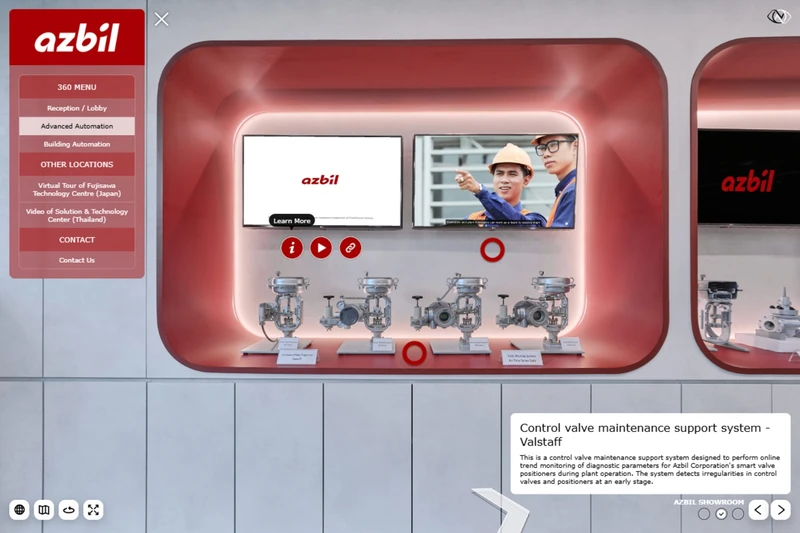
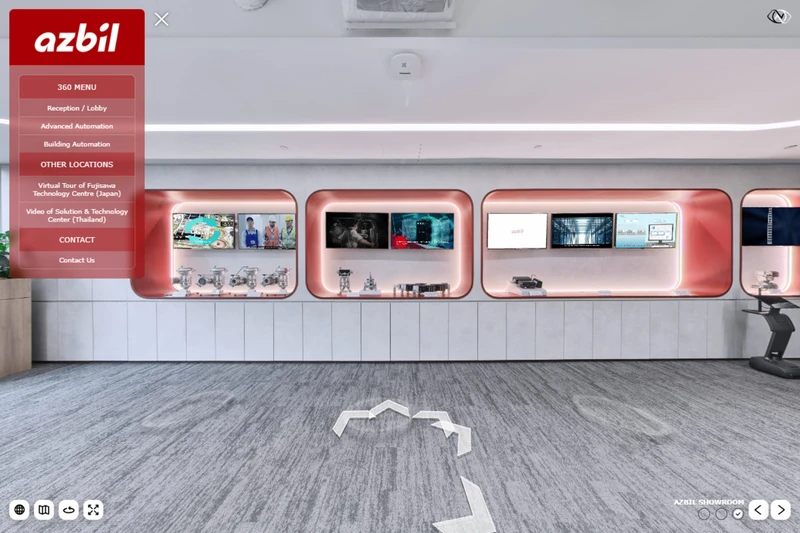
Depending on the space, this can include menu systems, room descriptions, information hotspots, video popups, interactive floor plans, map navigation, different waypoint styles and direct links to specific rooms or areas.
For more complex projects, I can add guided audio, multilingual text, offline versions for sales teams, measurement tools, day/night views, open-and-close object views or other project-specific features. The point is to give viewers the information they need at the moment they need it, making the tour more engaging, more useful and easier to present.
Before building the tour, I work through how the space needs to be shown, who will be using it and what they need to understand. I also look at what information viewers may want while they are exploring the space, and how we can show it to them clearly. The goal is to create an interactive tool that feels useful, engaging and makes people want to explore every part of the virtual tour.

FLOOR PLANS
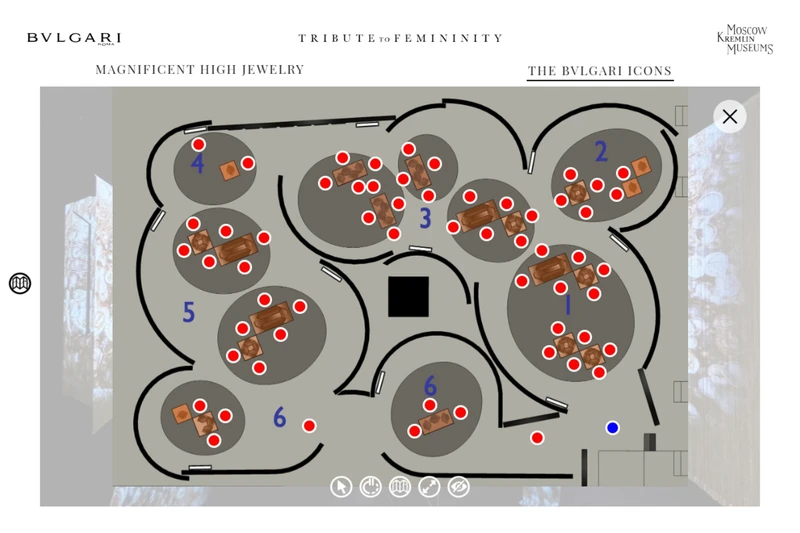
Allow users to see an overview and navigate to different areas of the tour from a floor plan.
INTERACTIVE WAYPOINTS
We have a wide variety of interactive way points to choose from to navigate the virtual tour.
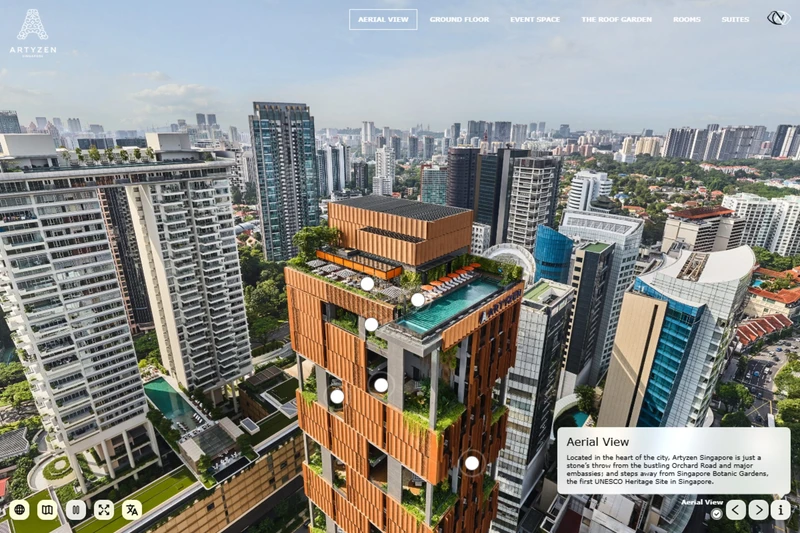
AERIAL 360 PANORAMAS
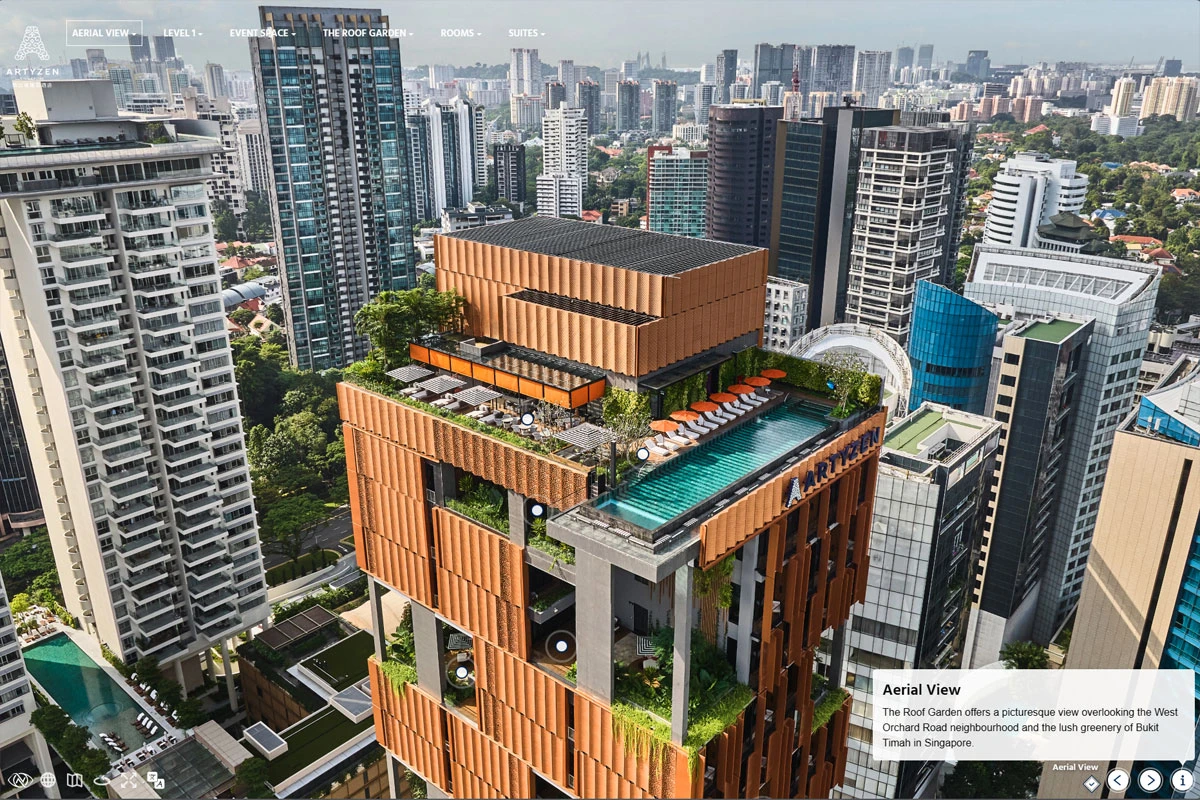
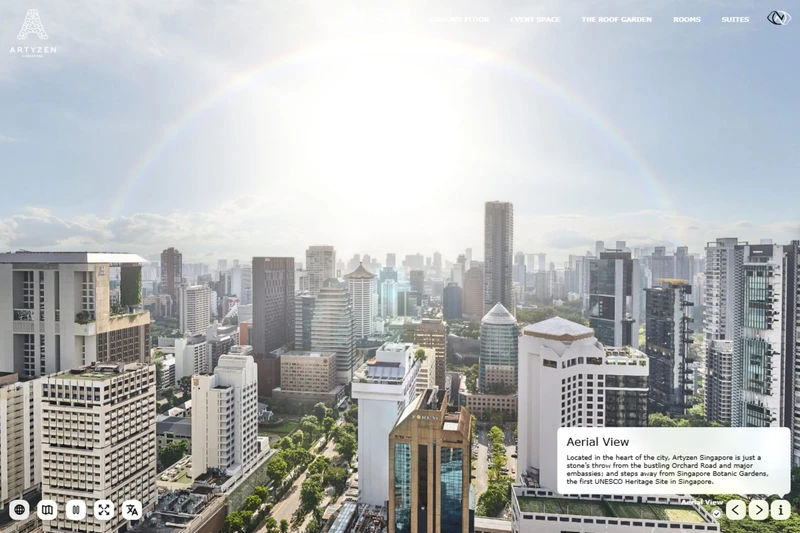
I am a licensed drone pilot and I can create aerial 360 panoramas to give a bird's eye view of your location.
MAPS
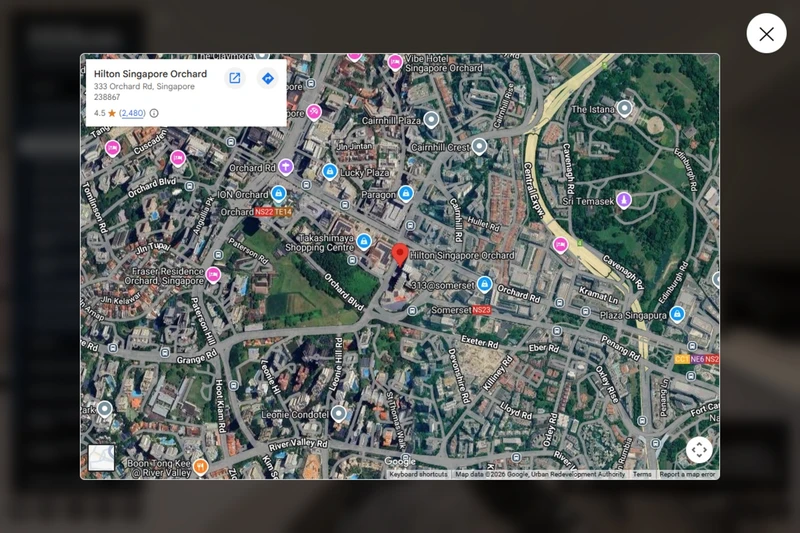
Show the users your exact location with an integrated map within the tour.
3D MEASUREMENTS
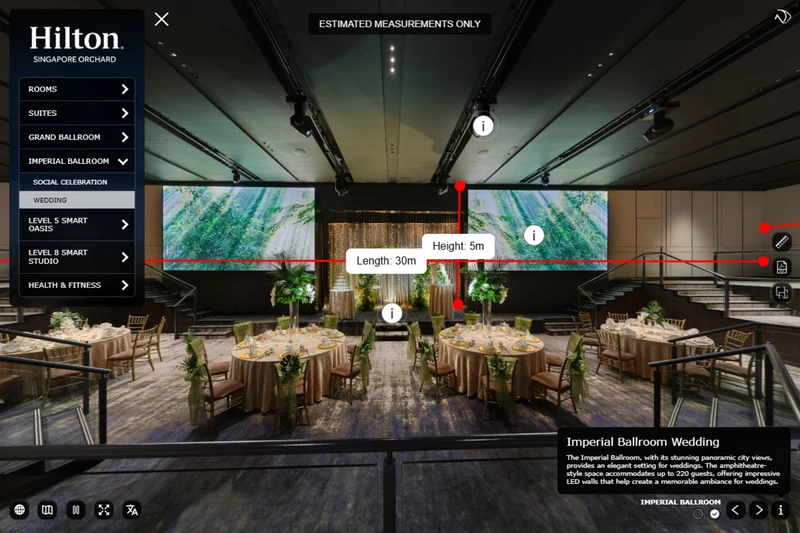
Add measurement lines into the virtual tour that allow viewers to see the room dimensions in 3D.
VISITED CHECKBOXES
Encourage viewers to view areas they haven't seen by showing them with visited boxes.
DESCRIPTION BOXES
Provide your viewer with more information about each area with a responsive description box.
INFORMATION BOXES
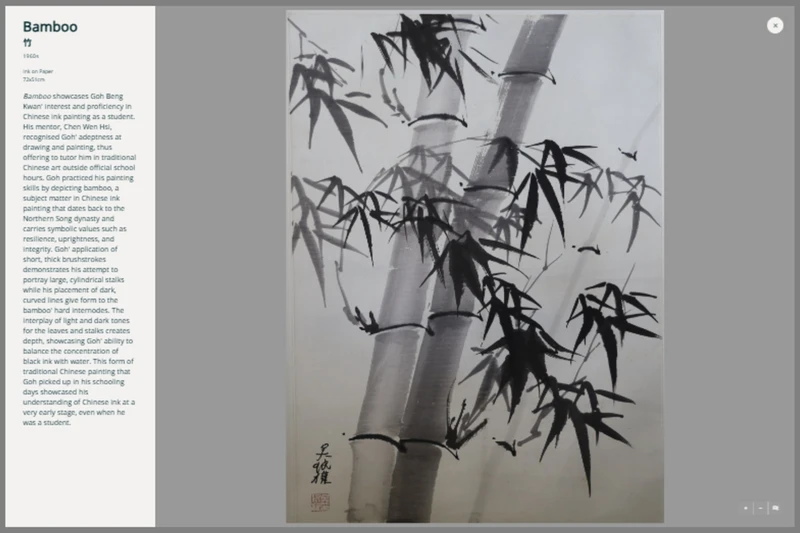
Interactive elements in the virtual tour that can expand to show more information with image, text or link.
Open / Close Objects
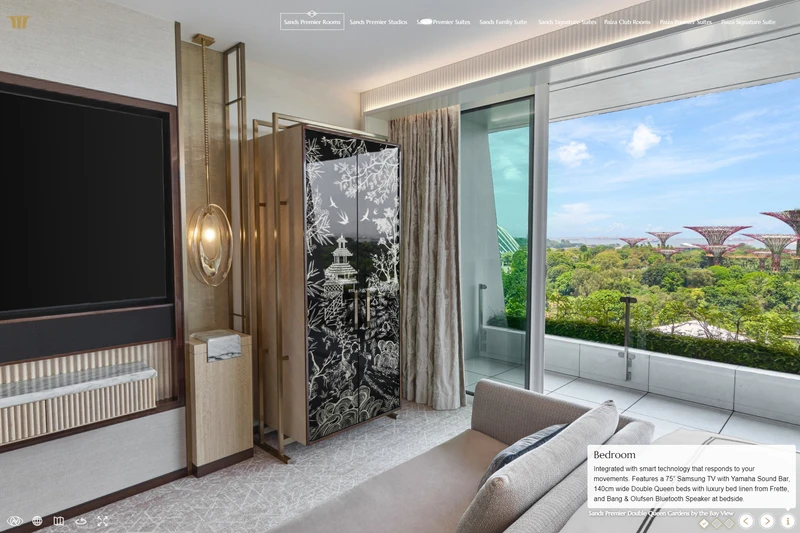
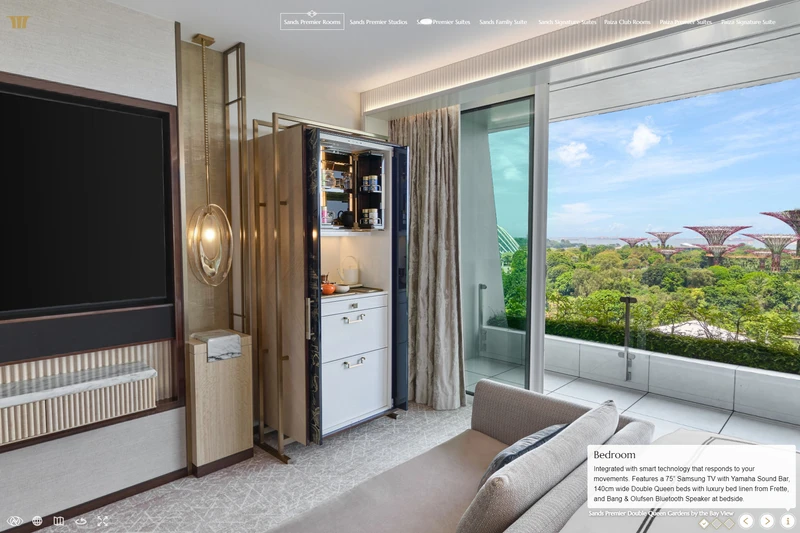
Interactive elements, such as opening and closing objects within a virtual tour, showcase a property's features uniquely. This feature provides a realistic experience, highlighting unique selling points like a fully stocked bar or guest armoire amenities.
View FeatureDay / Night Effect
Some hotel areas change dramatically between day and night. My Day/Night effect for showcases this transformation, allowing seamless transitions between 360-degree images captured at different times, highlighting versatility and ambiance.
View FeatureMeasurement Tool
The measurement tool in my virtual tours allows precise dimensions of spaces to be displayed. This feature ensures accurate planning and visualization, highlighting the scale and layout of different areas. It is popular with sales teams who show the tours virtually and with clients who are planning to book the spaces for events.
View FeatureInfoTags
InfoTags allow viewers to click on specific points in your virtual tour to reveal information. Perfect for highlighting features in various spaces, they offer an interactive way to discover more details, showcase key elements, and guide viewers through a richer, more engaging, and informative virtual experience.
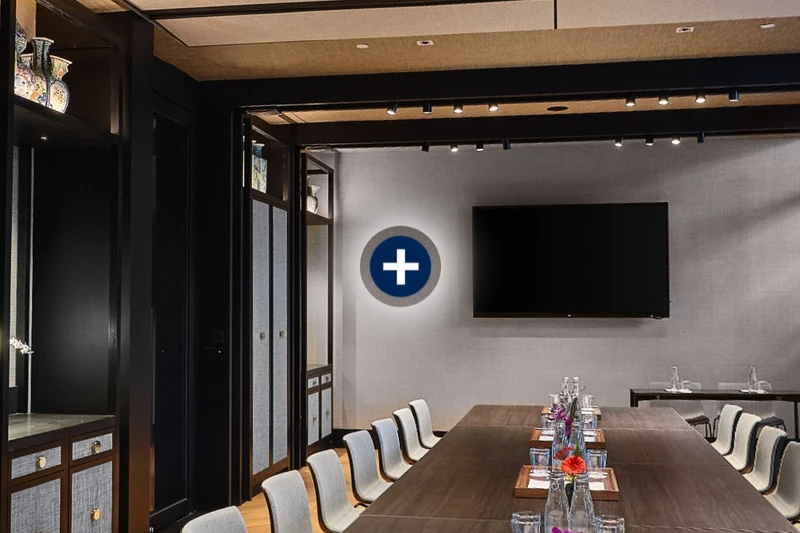
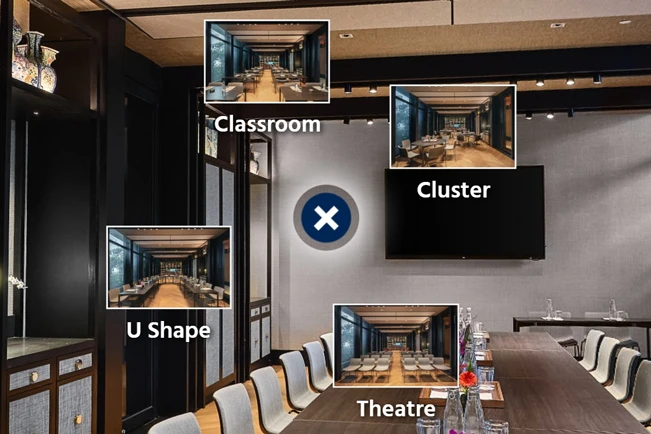
View FeatureFlexiSpot
FlexiSpot allows a single hotspot in your virtual tour to open and reveal multiple interactive spots, perfect for showcasing different configurations in spaces like meeting rooms. It provides an efficient way to explore various setups and engage viewers with additional details and options.
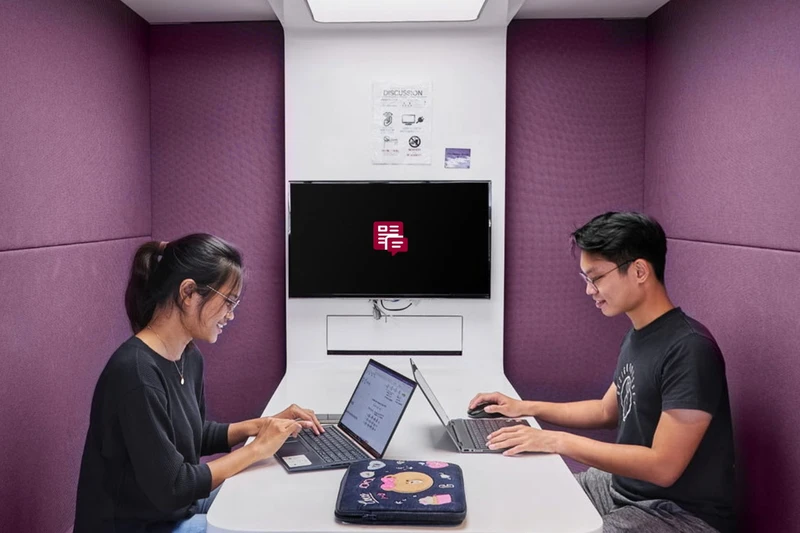
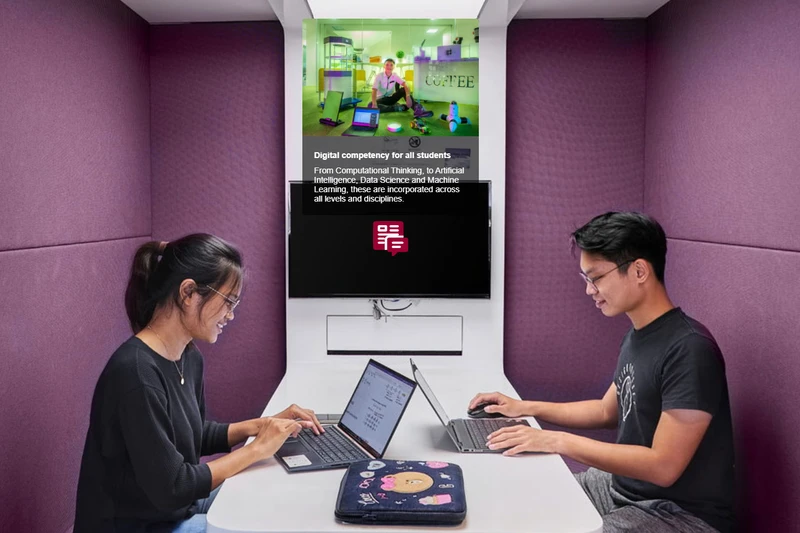
View FeatureInfoSpot
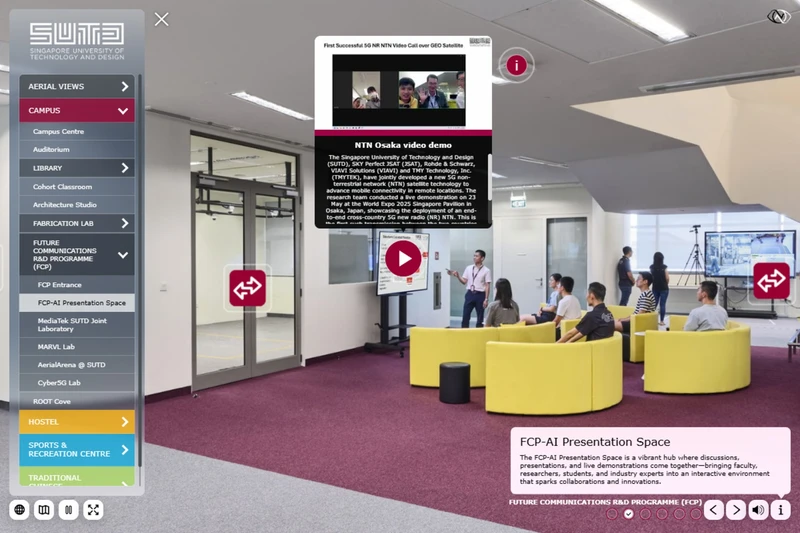
InfoSpot lets viewers click or hover on specific points in your virtual tour to reveal more detailed information, open a website, or display a video. It's ideal for providing additional context and creating a more immersive, informative experience within the tour.
View FeatureDeep Linking
I include a deep linking feature, enabling unique URLs for specific parts of the tour. This creates a self-contained virtual tour experience where each room or area can have its own distinct entry point. These unique links can be easily incorporated into a website's information, providing intuitive and direct access to specific spaces for users. This feature also streamlines tour management and updates, as changes can be made to individual rooms or areas without affecting the entire tour.
Content Management System (CMS)
My virtual tours feature a flexible content management system (CMS) developed with my company, Visual Narrative 360. Understanding the importance of text management within the tour, the CMS allows clients to easily make real-time text changes from their own computers. During development, I automatically populate specific fields from the CMS, facilitating seamless collaboration between the client and me. Once the tour is ready for publishing, I export the data from the CMS and embed it directly into the tour files for accuracy and fast loading.
Multi-language Virtual Tours
My latest tours now feature an optional multi-language function, allowing all text elements to be available in 32 different languages. Clients can edit the text using the CMS database system. This feature simplifies offering the tour on multilingual pages of your website and helps appeal to a wider audience.
We now support the following 32 languages by default. English (English), 简体中文 (Simplified Chinese), 繁體中文 (Traditional Chinese), العربية (Arabic), Български (Bulgarian), Česky (Czech), Deutsch (German), Dansk (Danish), Español (Spanish), Suomi (Finnish), Français (French), Ελληνικά (Greek), Magyar (Hungarian), हिन्दी (Hindi), Bahasa Indonesia (Indonesian), עברית (Hebrew), Italiano (Italian), 日本語 (Japanese), 한국어 (Korean), Nederlands (Dutch), Norsk (Norwegian), Polski (Polish), Português (Portuguese), Românã (Romanian), Русский (Russian), Slovenčina (Slovak), Svenska (Swedish), Türkçe (Turkish), Українська (Ukrainian), Tiếng Việt (Vietnamese), ไทย (Thai).
Guided Audio Virtual Tours
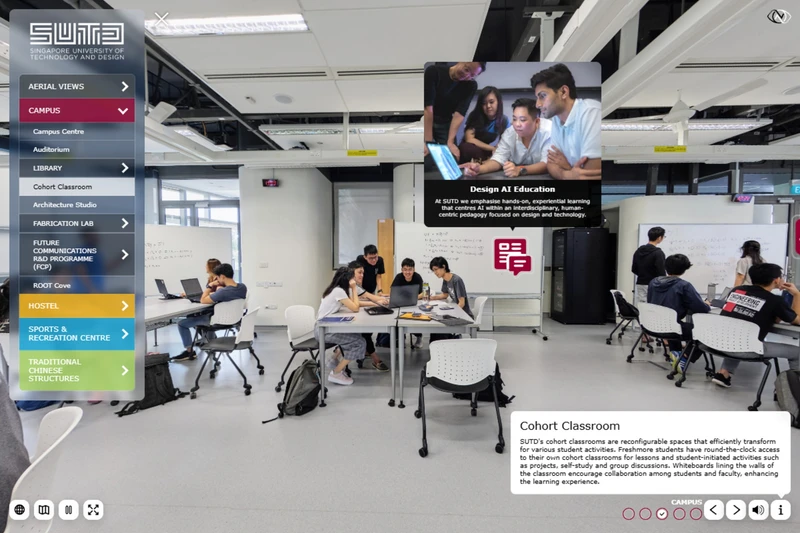
My virtual tours can feature a Guided Audio system designed to provide an immersive experience. As viewers navigate the tour, audio descriptions play automatically when they enter new areas, offering detailed information. A prime example is the tour we created for Singapore University of Technology and Design (SUTD). We can either record the audio in-house or collaborate with a dedicated recording studio to find the right voice actor for your project.
Offline Hotel Virtual Tours for Sales Teams
To accommodate sales teams who may not have reliable internet connections, I offer offline versions of the virtual tour for presentations. These can be loaded onto a Mac or PC, eliminating the need for an internet connection and ensuring the tour is accessible during client meetings or events.
Selected Virtual Tours
Below is a selection of 360-degree tours I have created for Hotels, Universities, Offices, Showrooms and Exhibitions.
Marina Bay Sands
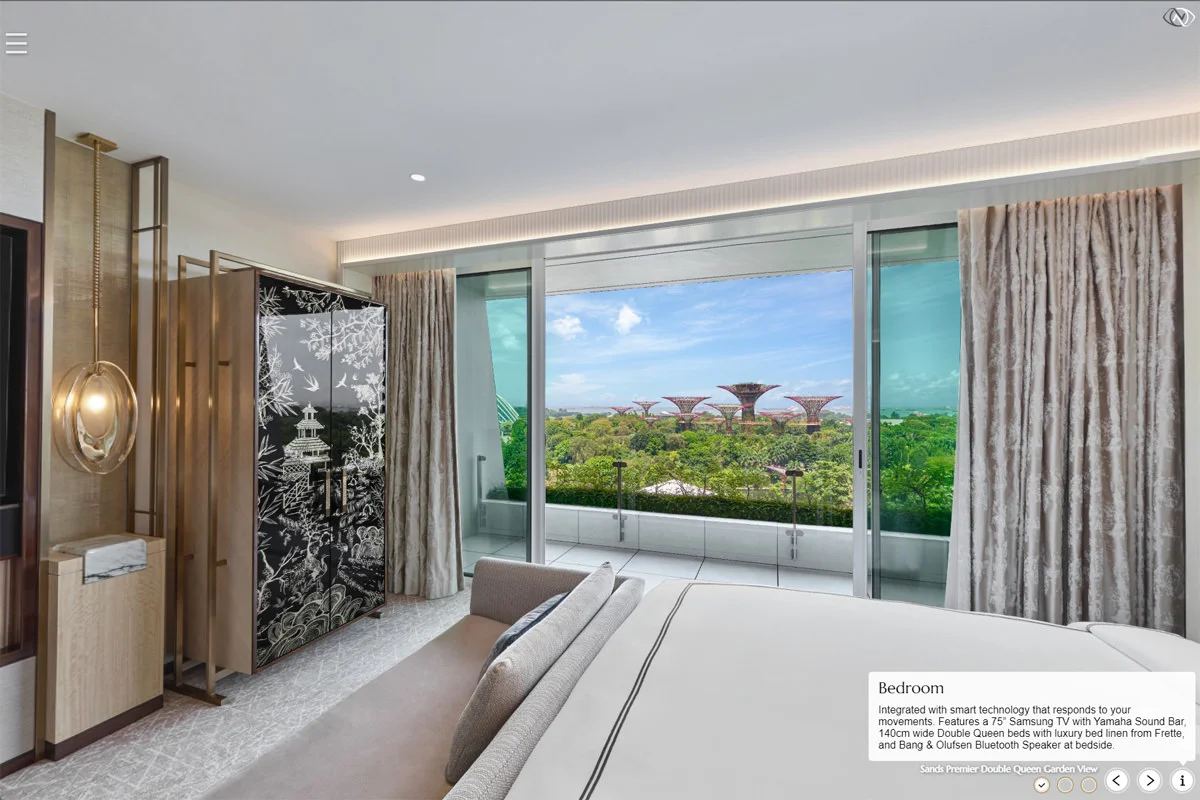
Hotel Virtual Tour at Marina Bay Sands in Singapore. The tour features unique open and close effects on various objects within the rooms, which enables the viewer to virtually open selected items and explore the space in detail.
View Virtual Tour
Artyzen Singapore
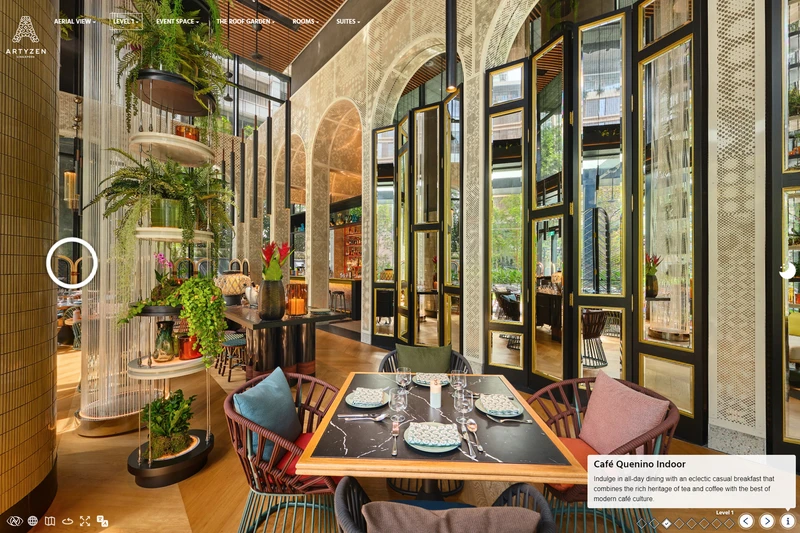
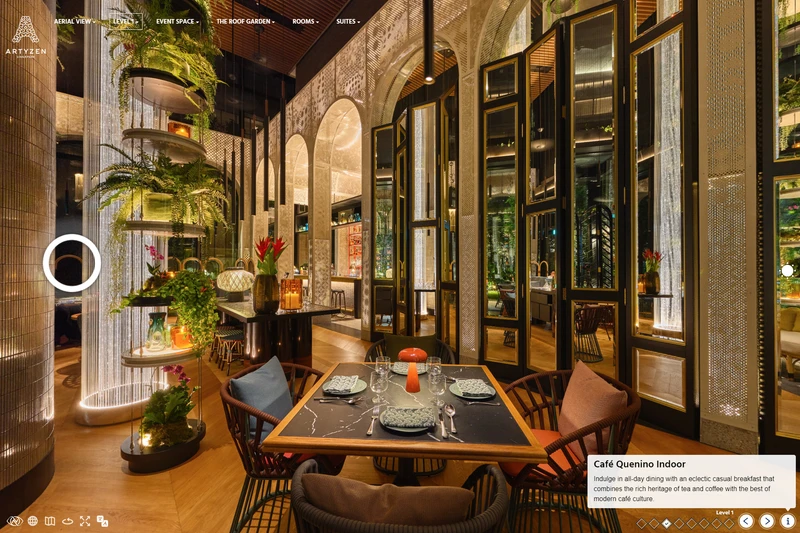
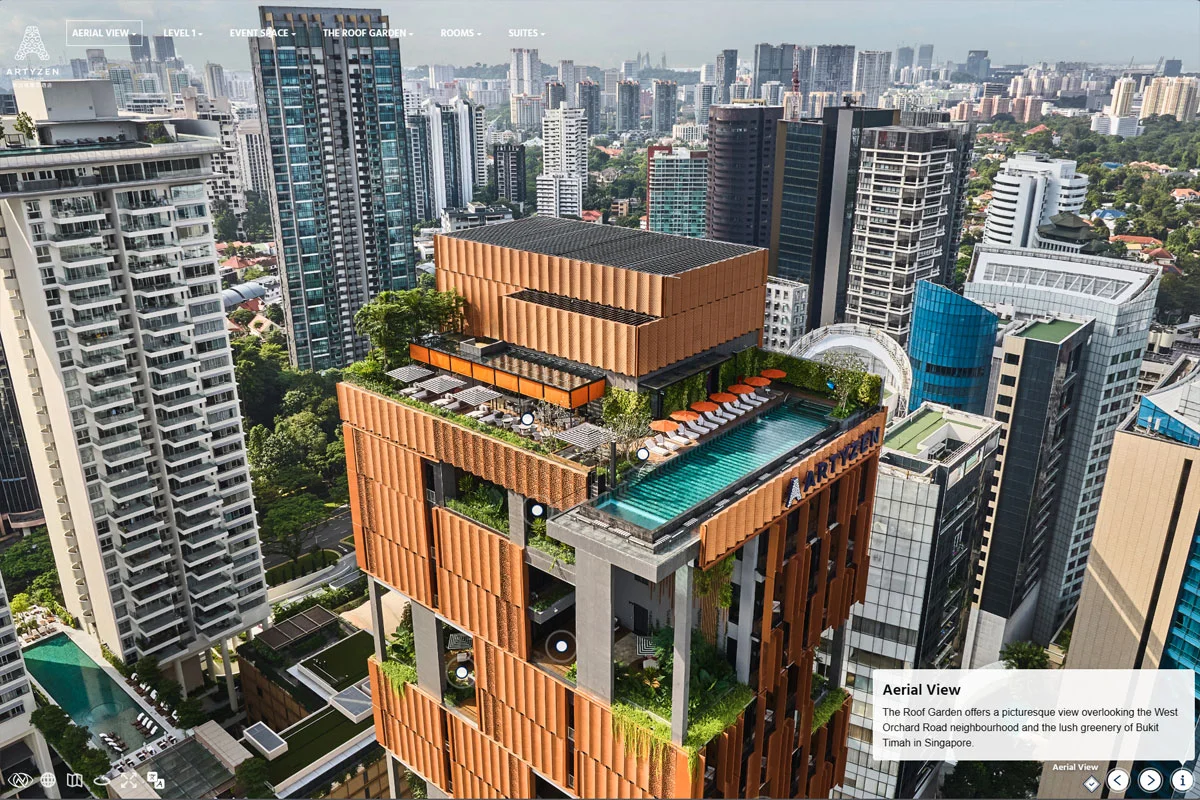
Boutique hotel virtual tour at Artyzen Singapore. This tour showcases innovative features like open/close effects, day/night transitions, and aerial 360 photography.
View Virtual Tour
Hilton Singapore
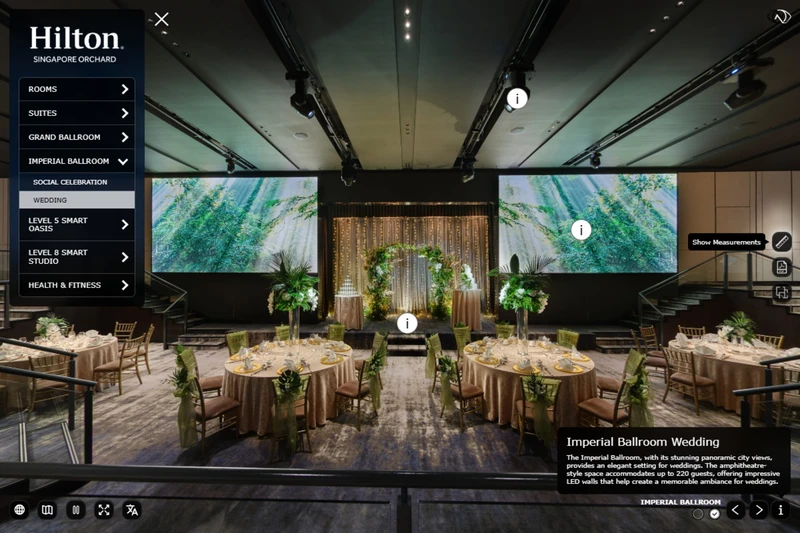
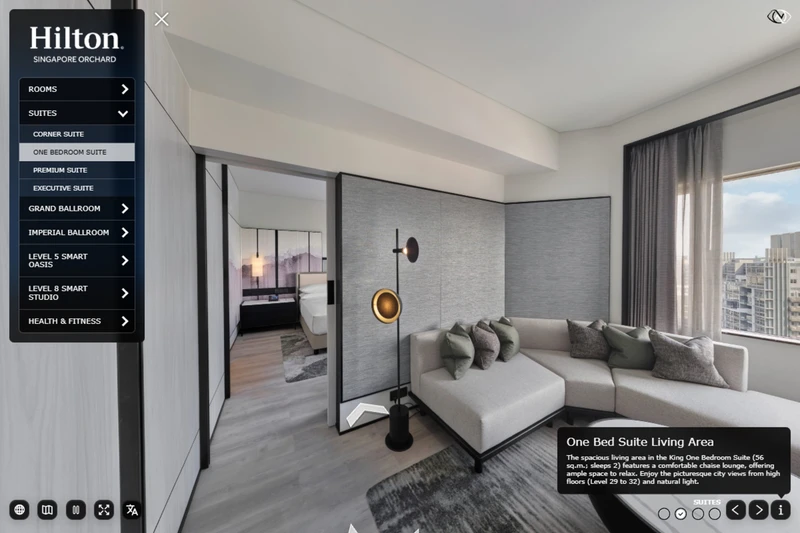
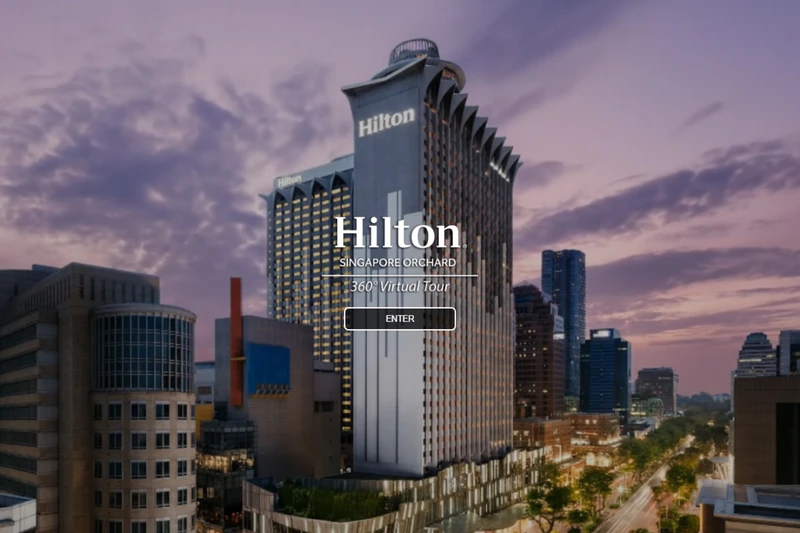
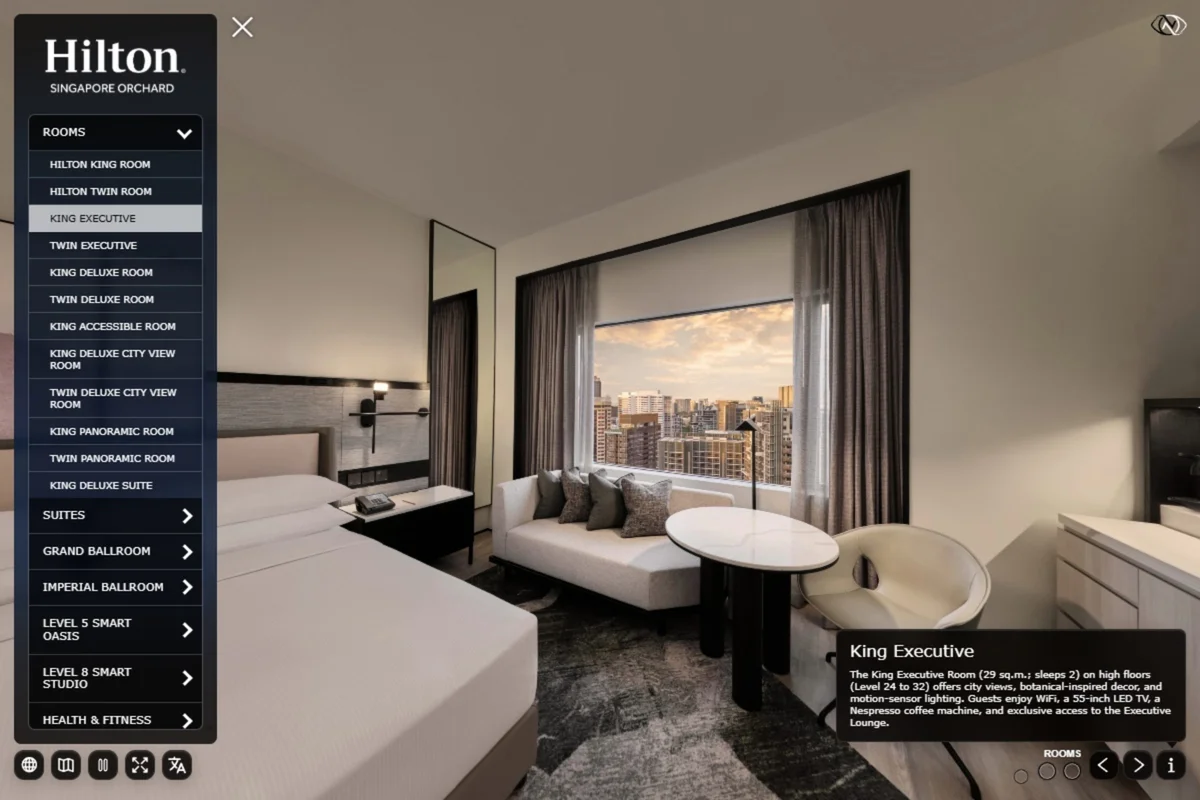
The Hilton Singapore Orchard virtual tour uses a custom interface for hotel rooms, meeting spaces and event areas, giving planners and guests a clear way to explore the property online.
View Virtual Tour
Conrad Hotel Singapore
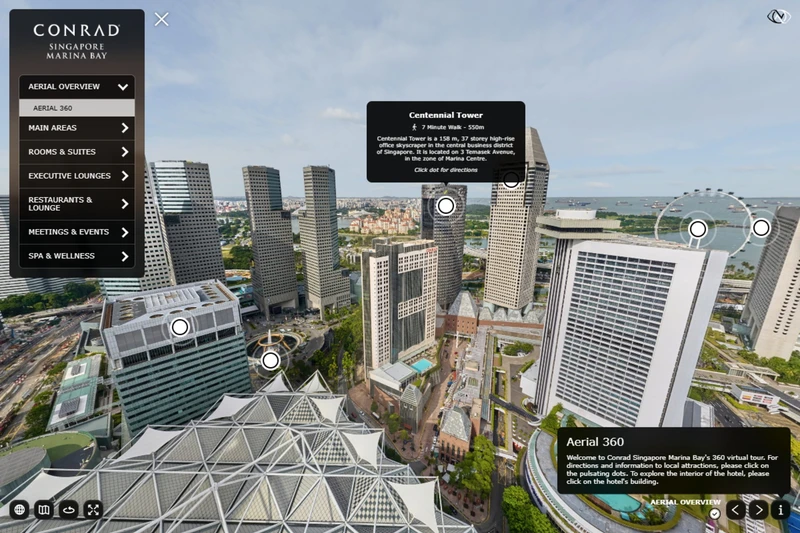
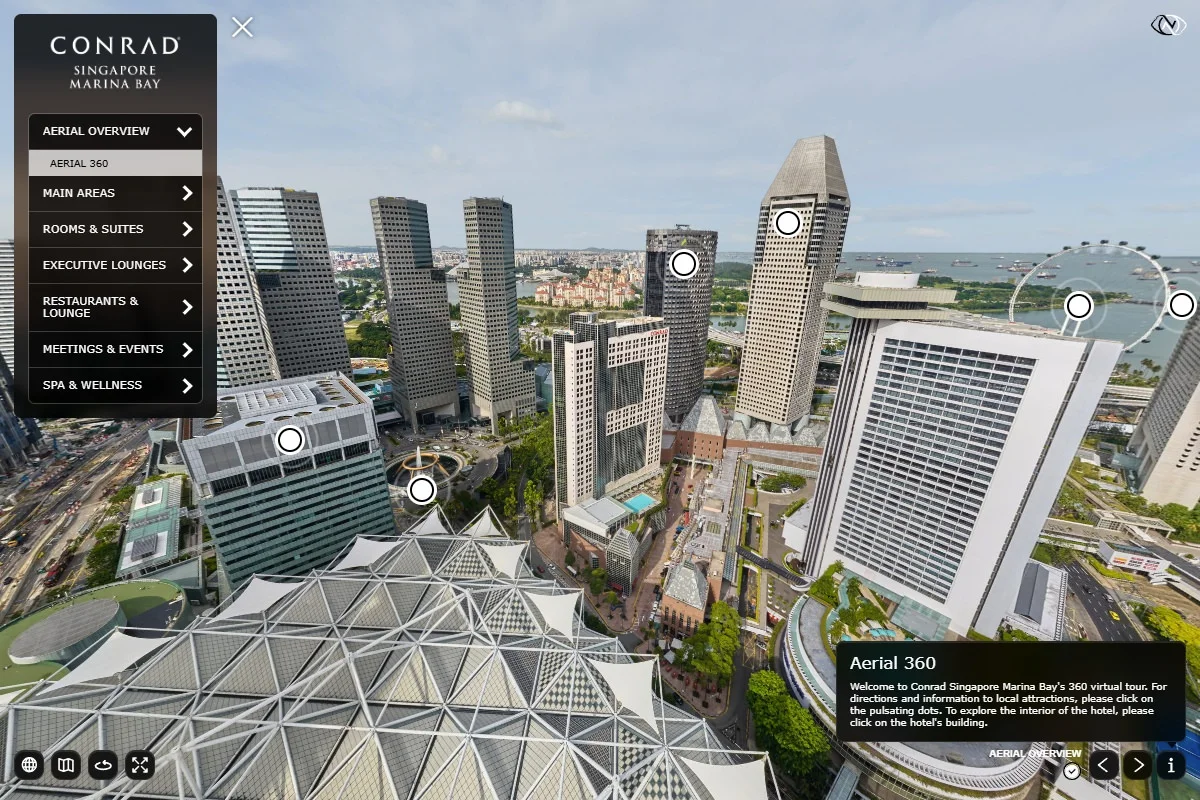
Hotel Virtual Tour at Conrad Centennial Singapore created in 2021 for Conrad Hotels & Resorts. The tour features an aerial 360 and all major areas of the hotel have been captured in 360 degrees to create a virtual walkthrough of the location.
View Virtual Tour
Ngee Ann Polytechnic
Explore Ngee Ann Polytechnic with a 360 virtual tour featuring over 40 high-quality images in a custom interface with a 3-tier menu. An aerial 360 view opens the tour, showcasing the campus, with hover thumbnails and text for navigation.
View Virtual Tour
Singapore University of Technology & Design
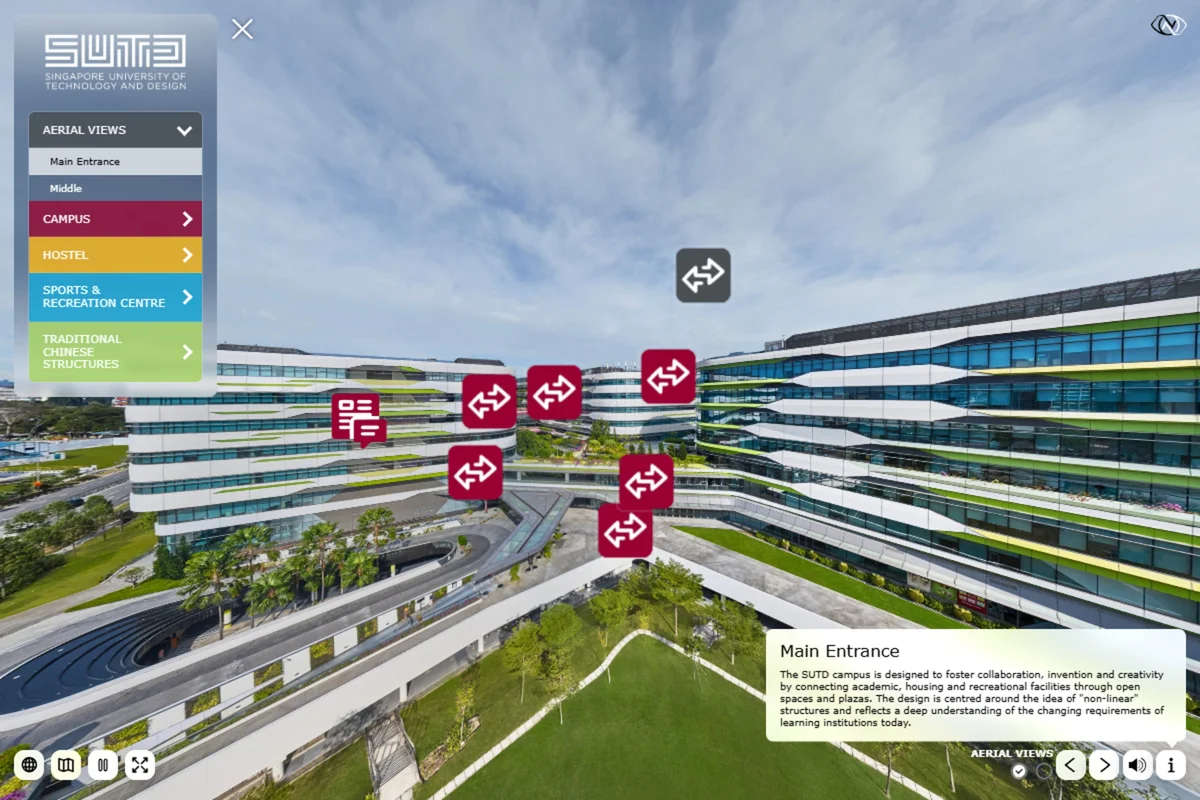
The 360 virtual tour of Singapore University of Technology and Design features high-quality images and posed students. An aerial 360 overview opens the tour, showcasing vibrant campus life and custom hover hotspots with videos, text, or links.
View Virtual Tour
Bvlgari Exhibition at The Kremlin
Captured the Bvlgari Tribute to Femininity at The Kremlin, Moscow. Created over 50 high-quality 360-degree images with a custom interface, featuring sections for Magnificent High Jewelry and Bvlgari Icons.
View Virtual Tour
Bvlgari Exhibition in Tokyo
360 Virtual Tour for Bvlgari Serpentiform in Tokyo. The tour features left menu navigation, Google Street View-style arrows, and hover arrows for movement. Artwork was digitally replaced to reduce reflections.
View Virtual TourLet's talk about your project.
Get in touch to discuss your photography or virtual tour requirements.
get in touch